VSPACE creative workflows
AI Logo Generator
Explore logo concepts from a brand brief. Describe the name, personality and mark type, then compare image-based directions and refine the one that fits your brand.
Sign in to work with the Agent. Specify whether you want a plan or generated assets; media production can involve several credit-consuming steps.
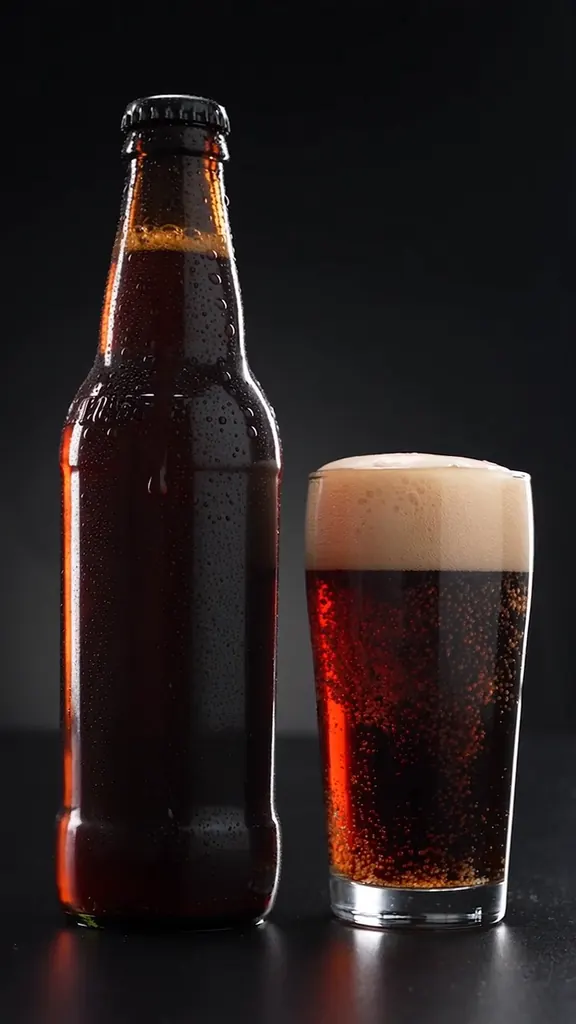
Design for the places your mark will appear
These existing images illustrate creative directions and contexts. They are not verified outputs or before-and-after examples of this workflow.
Packaging context
Use product imagery to think about scale and placement. A mark that reads on a large screen may be too detailed for a small label.

Campaign context
Consider how a compact symbol will sit beside photography and approved copy. Keep the mark distinct from a full campaign illustration.
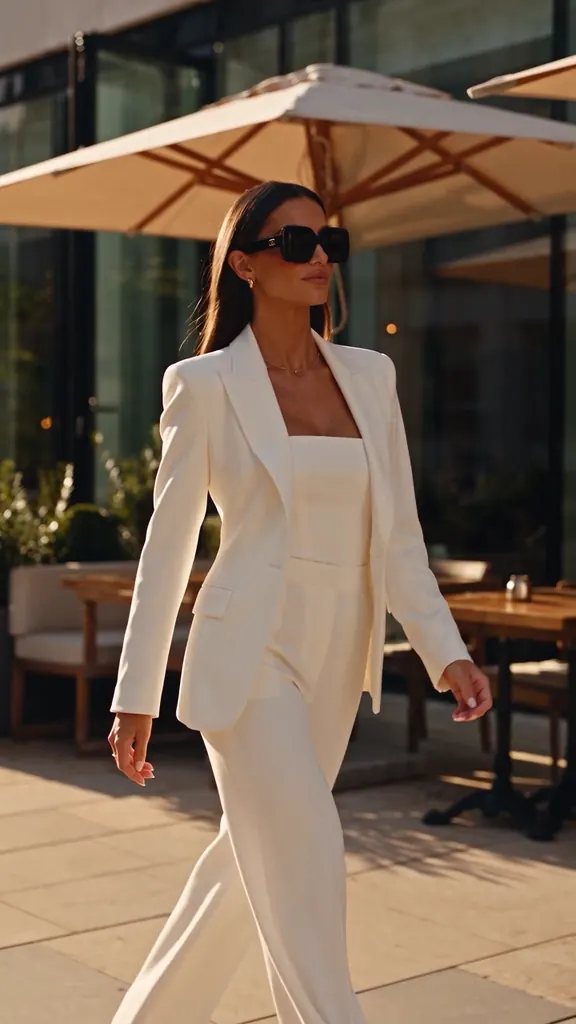
Lifestyle context
Plan the brand mood and contrast around your mark. These photos illustrate potential contexts, not logos generated by the tool.
How to create a logo concept
Describe the brand
Provide the exact name, industry, audience and personality. Choose a symbol, wordmark, monogram or combination mark.
Compare distinct directions
Ask for the number of concepts you need. Compare silhouette, legibility, contrast and how each idea fits the brief.
Refine and prepare artwork
Request focused changes to shape or color. Check lettering and plan production artwork, font licensing and trademark review separately.
Give the logo one visual idea
A useful logo brief explains the brand and the mark itself. Start with a readable shape before decorative presentation or mockups.
- Exact spelling
- Supply the brand name exactly as it should appear. Inspect generated lettering instead of assuming it is typeset accurately.
- Mark type
- Choose whether the name, an initial or a symbol should lead. A concise mark is easier to compare across applications.
- Production needs
- State where the mark will appear and whether it needs to work in one color. Request a concept, then prepare the final vector artwork if required.
Questions about AI Logo Generator
This workflow creates raster logo concepts. Do not assume SVG, editable paths or a complete production package unless a delivered file explicitly provides them.
Attach a logo you have the right to modify and describe what to preserve and simplify. Inspect the result for unintended changes.
A generated concept is not trademark clearance. Check availability and rights before adopting a name or symbol.
Compare the outline at small size, one-color readability, exact spelling and fit with your audience. Refine the strongest idea before adding presentation effects.
Yes. State that you want a plan only and no media generation. You can request production after reviewing the direction.
Usage depends on the selected models, asset count and generation settings. Several shots or variants can require separate generations; check your credits and pricing.
Start with a recognizable mark
Describe your brand and one visual direction, then compare the concepts before preparing final artwork.
Explore logo concepts